How to print a check’s documents
Find the check in the archive and print one document or the whole check. Drafts are kept for 3 working days.
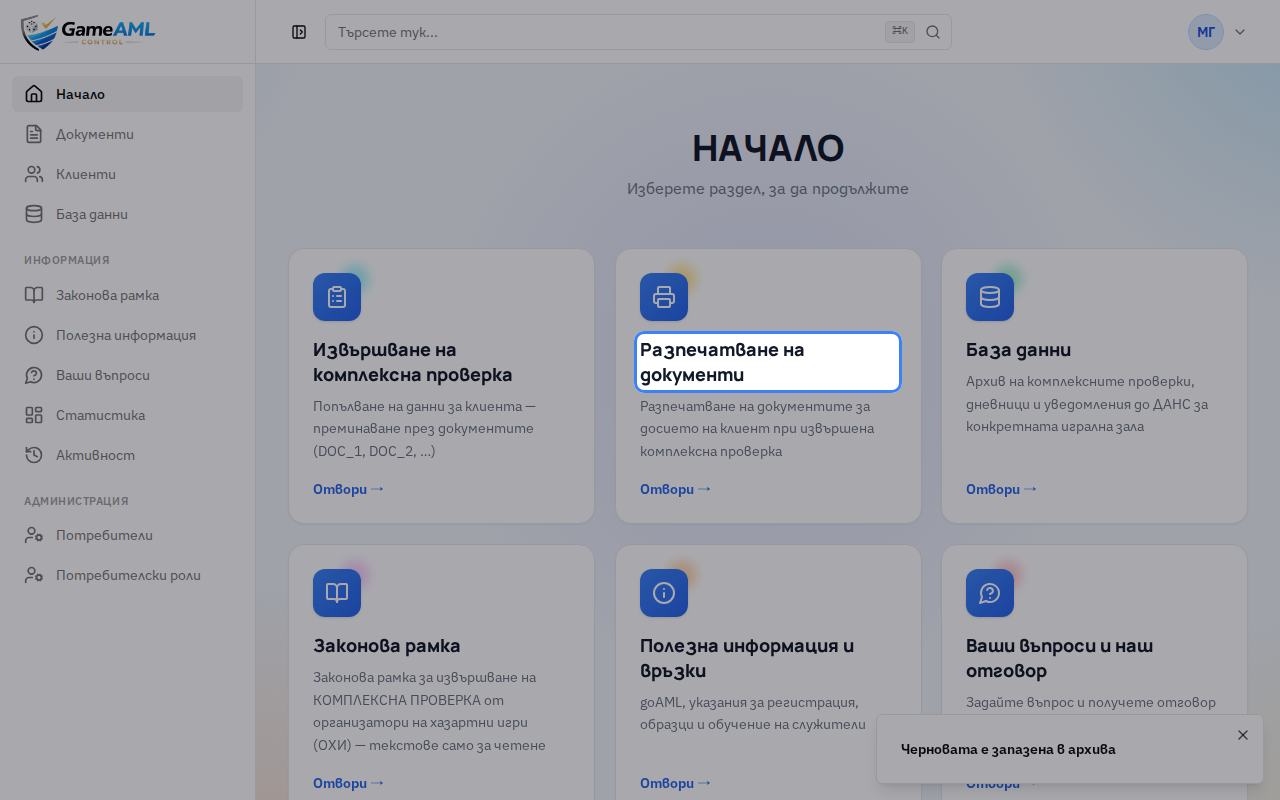
1On the home screen, choose “Разпечатване на документи” (Print documents). The archive with every check in your hall opens.
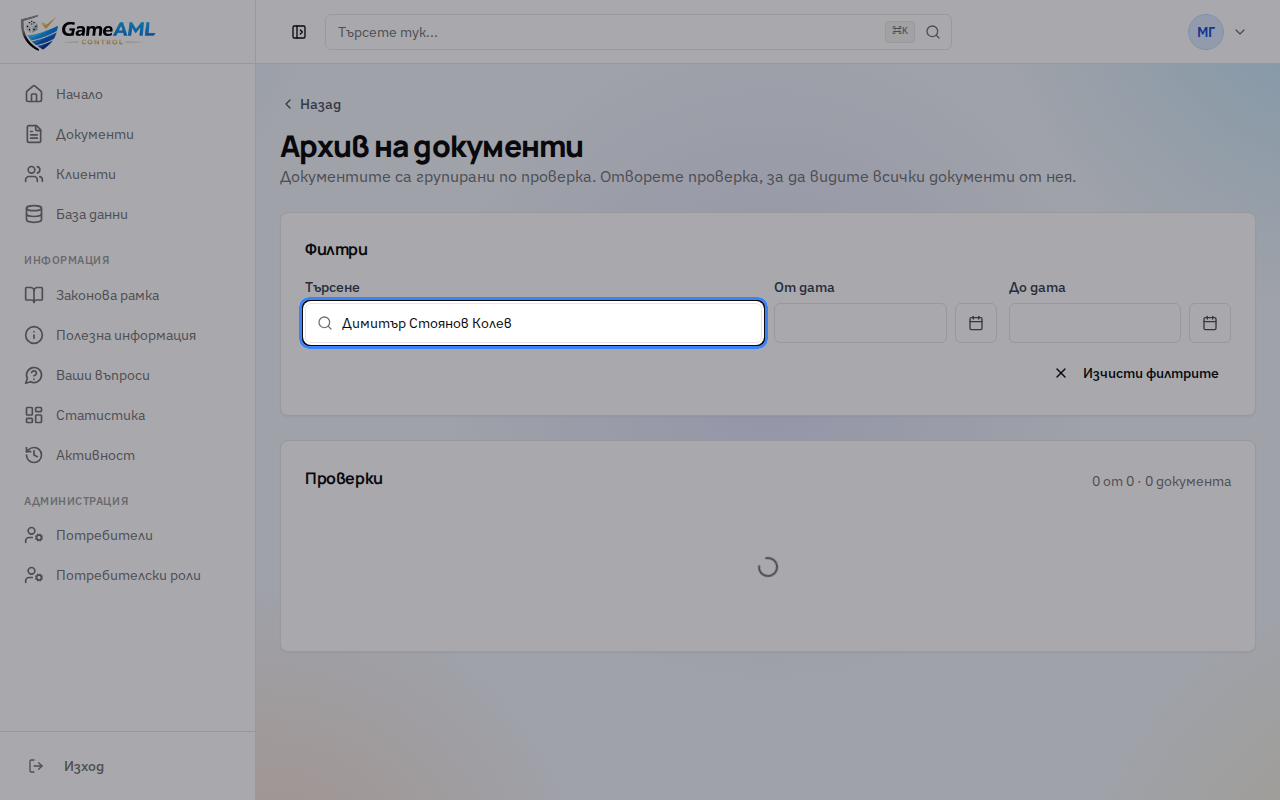
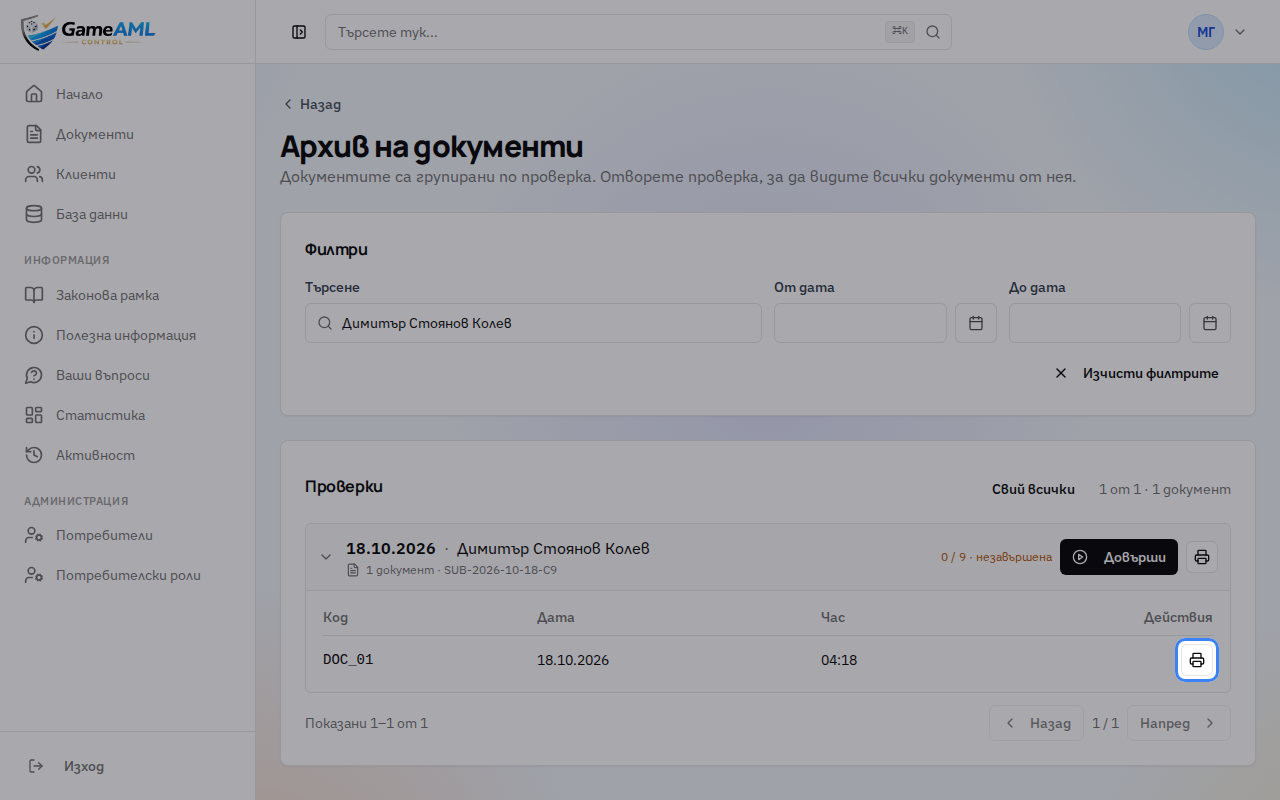
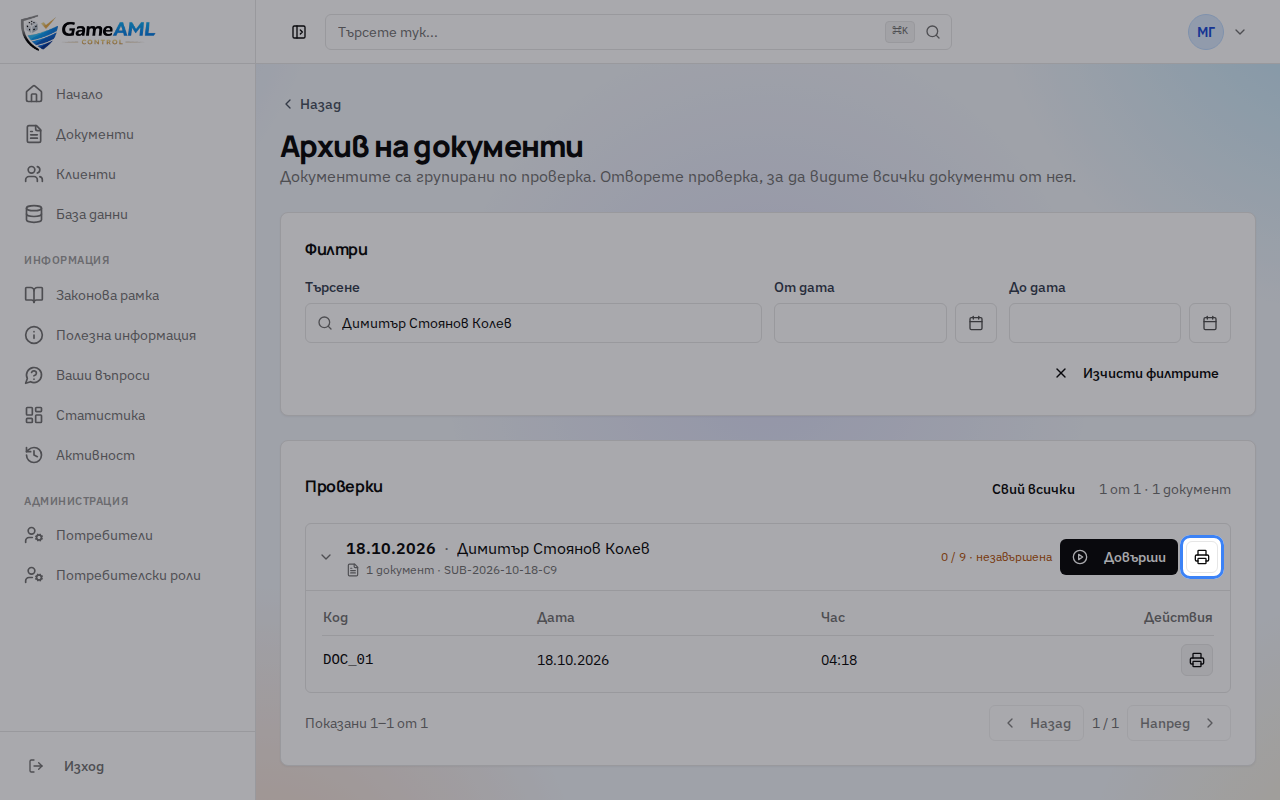
2Search by customer name, document code or number.
3Documents are grouped by check. Open the check to see its documents.
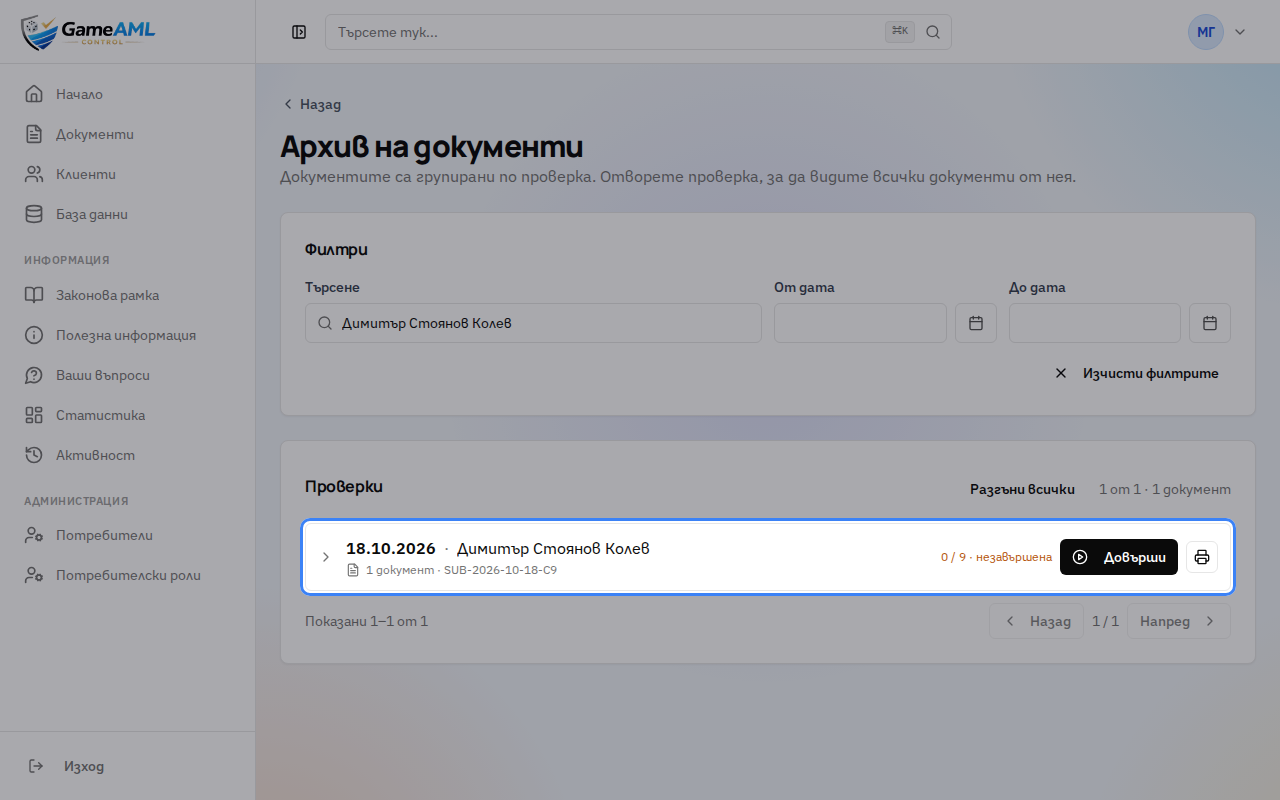
4An unfinished check is a draft. Drafts are kept for 3 working days, and “Довърши” (Finish) lets you carry on filling it in.
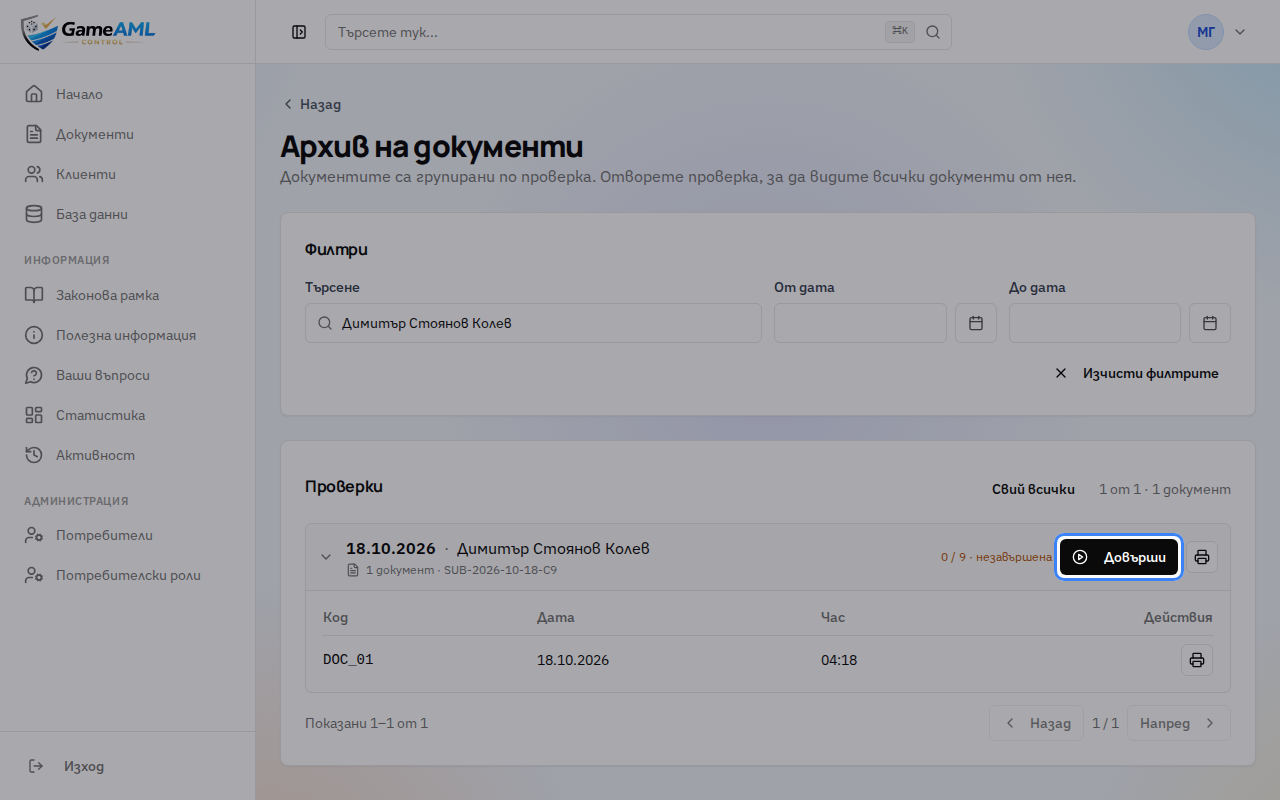
5Click “Печат” (Print) next to the document. In the print window, pick a printer or “Save as PDF”.
6The “Печат на проверката” (Print the check) button prints every document in the check at once.
More lessons
Lessons are recorded and checked automatically in the live product, so they always show the current screens.