How to search the legal framework
Quickly find the AML law text and rules on due-diligence checks by searching for a word or article.
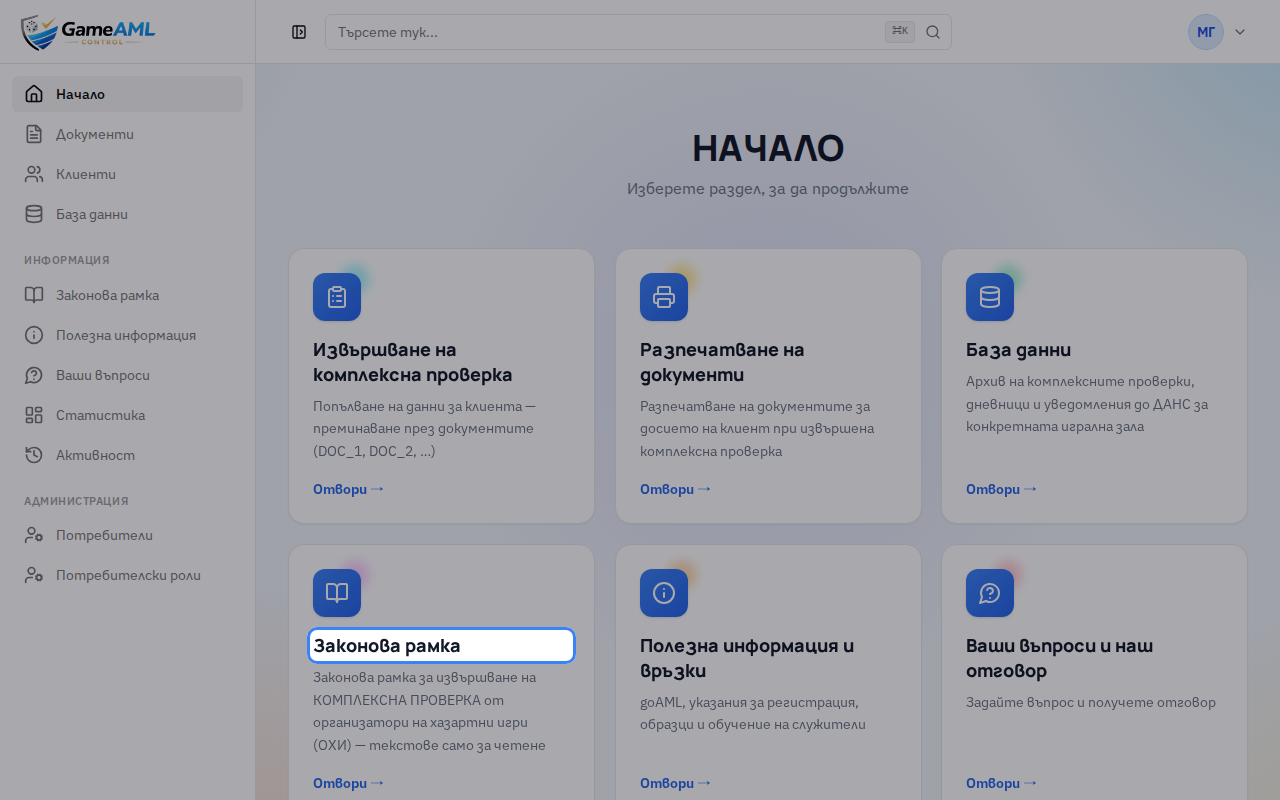
1On the home screen, choose “Законова рамка” (Legal framework). It is also in the menu.
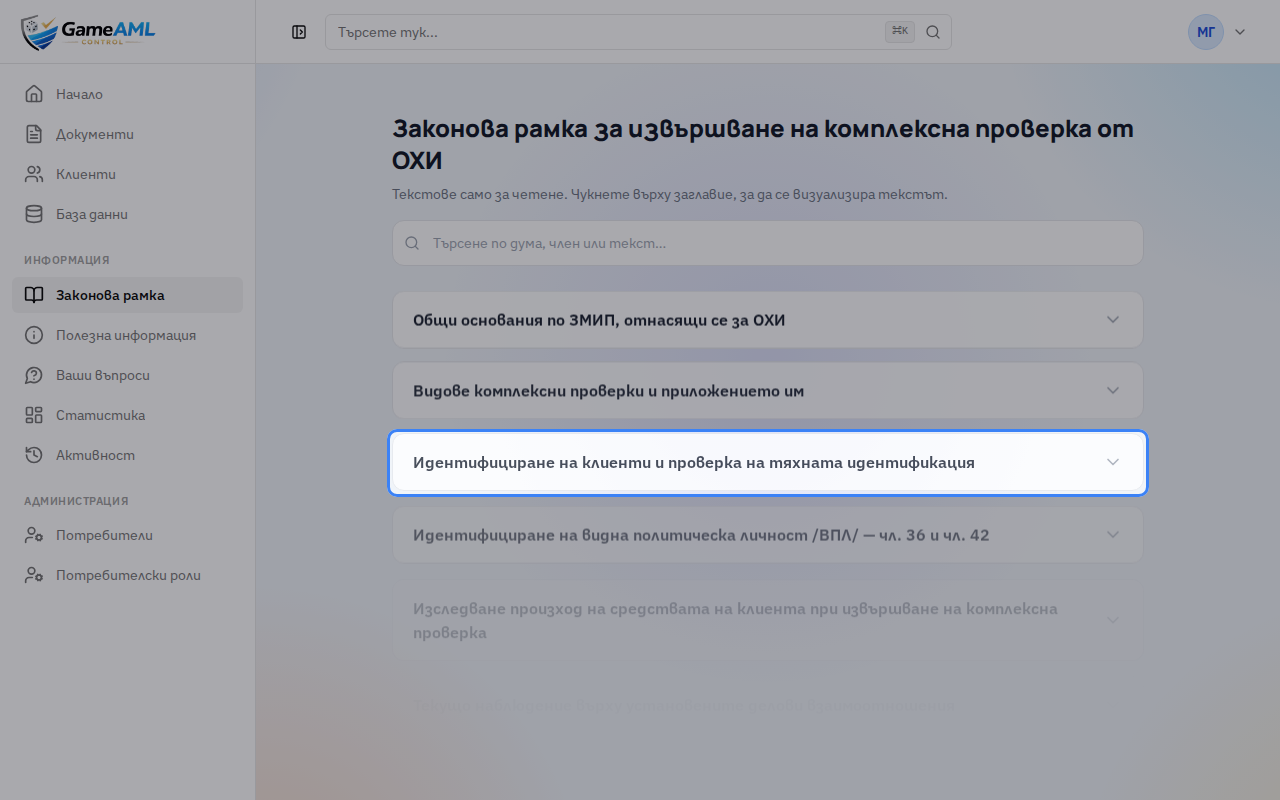
2The texts are split by topic. Click a title to open it.
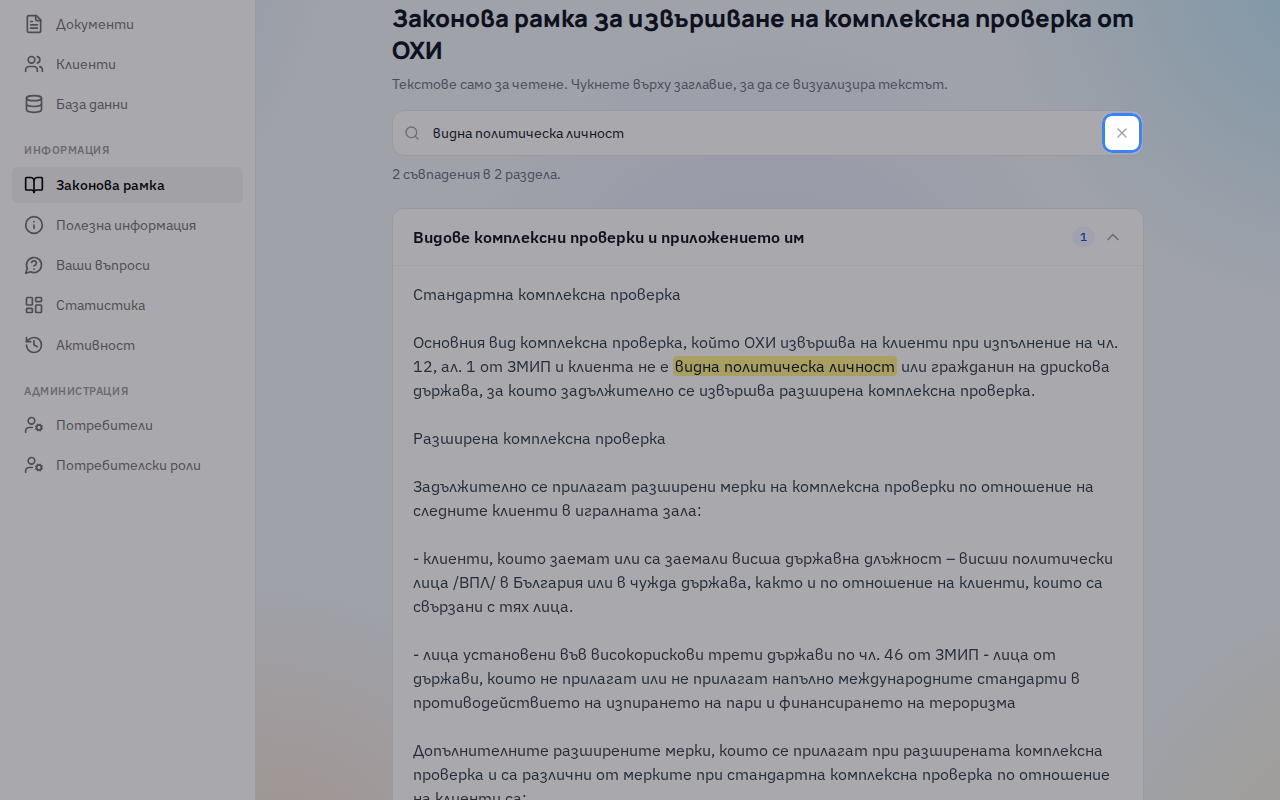
3Type a word, phrase or article in the search box. Only the sections that contain it are shown.
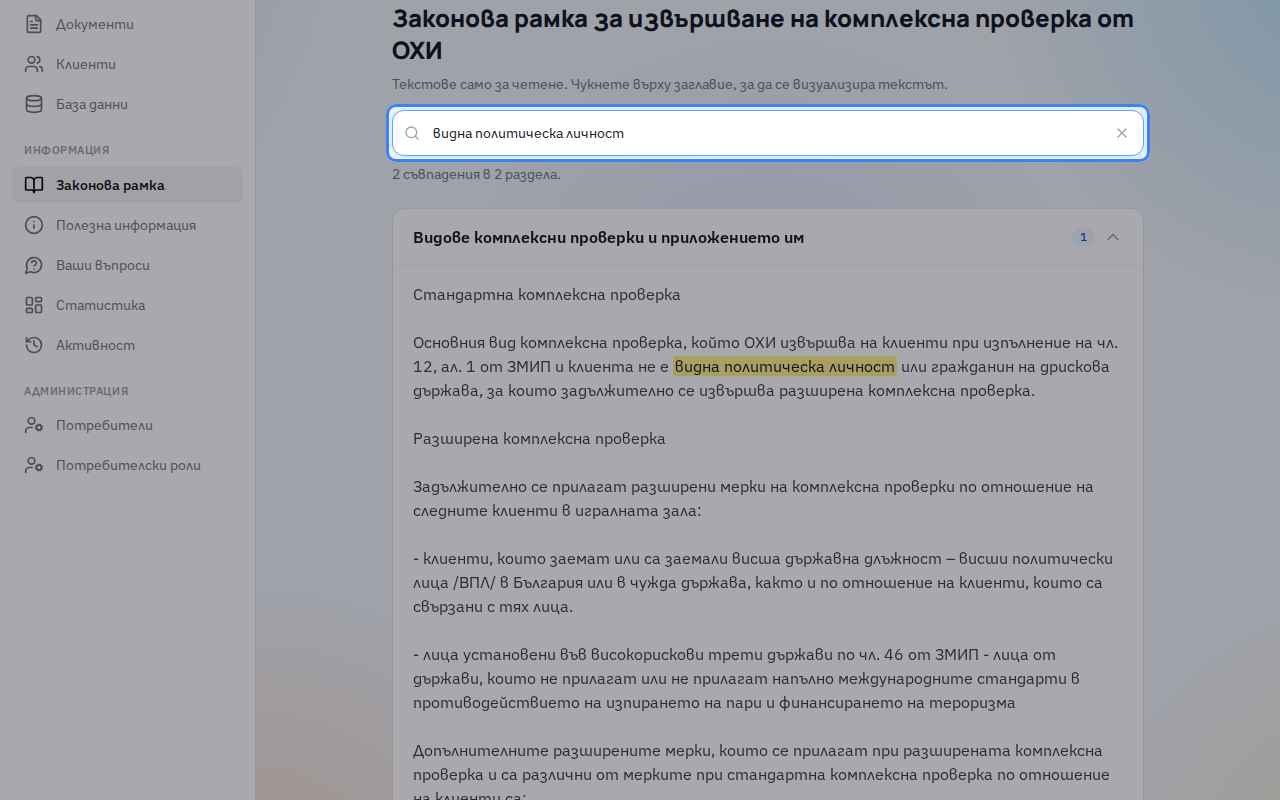
4Matching sections open on their own and matches are highlighted in yellow. The number next to each title shows how many there are.
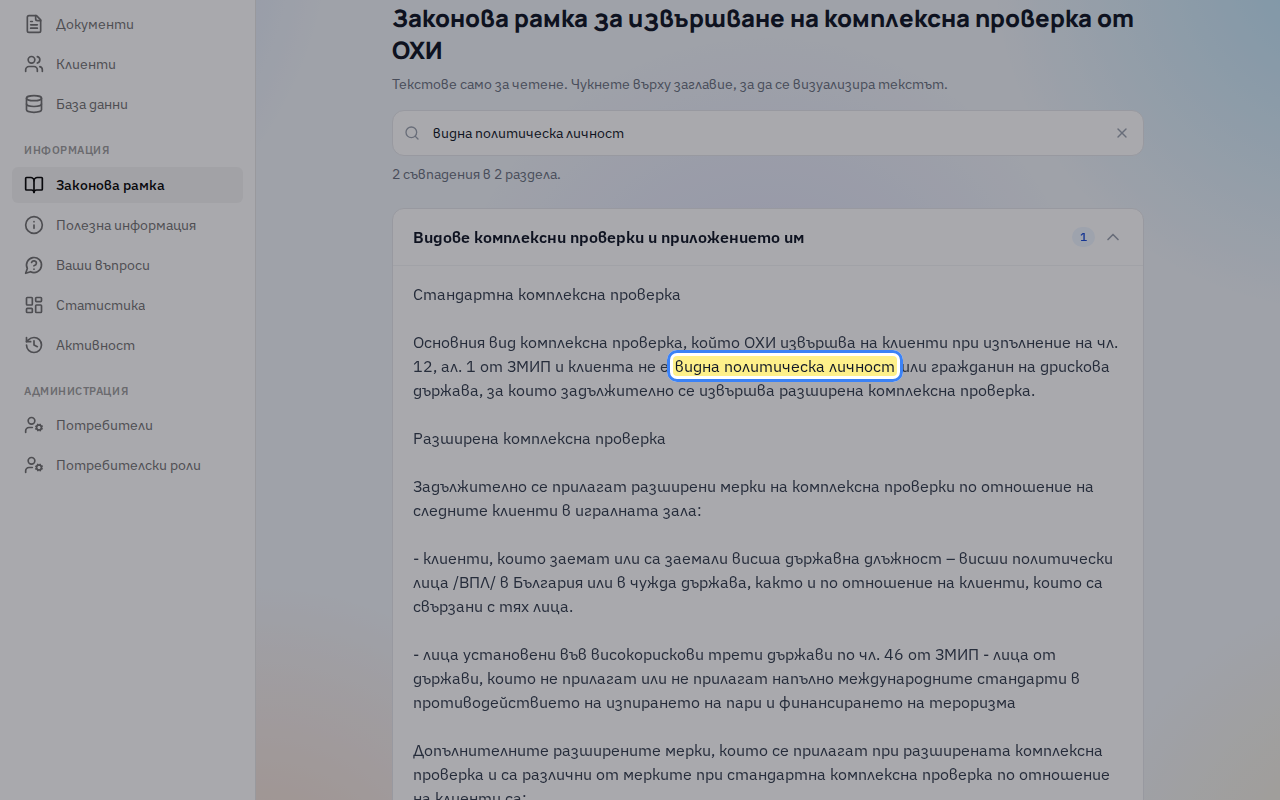
5The cross clears the search and shows every section again.
More lessons
Lessons are recorded and checked automatically in the live product, so they always show the current screens.